Creating and editing all sorts of documents is probably one of the most important tasks everyone does on their computer, and people are always in need of a good office package. However, paying for Microsoft Office is not a priority for most, so a solid alternative is always welcome.
A powerful open-source suite
The LibreOffice suite is a favorite among free, open-source office tools. The program is completely free and fully compatible with both old and new Microsoft Office file formats such as DOCX, PPT, PPTX, and XLSX files.Six capable core applications
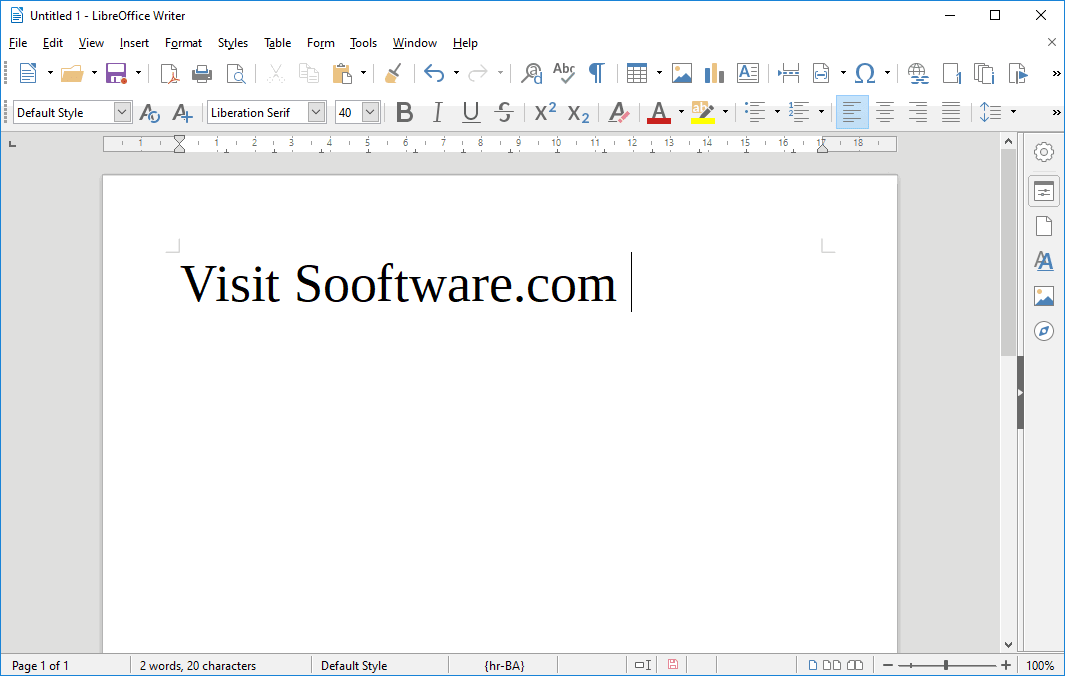
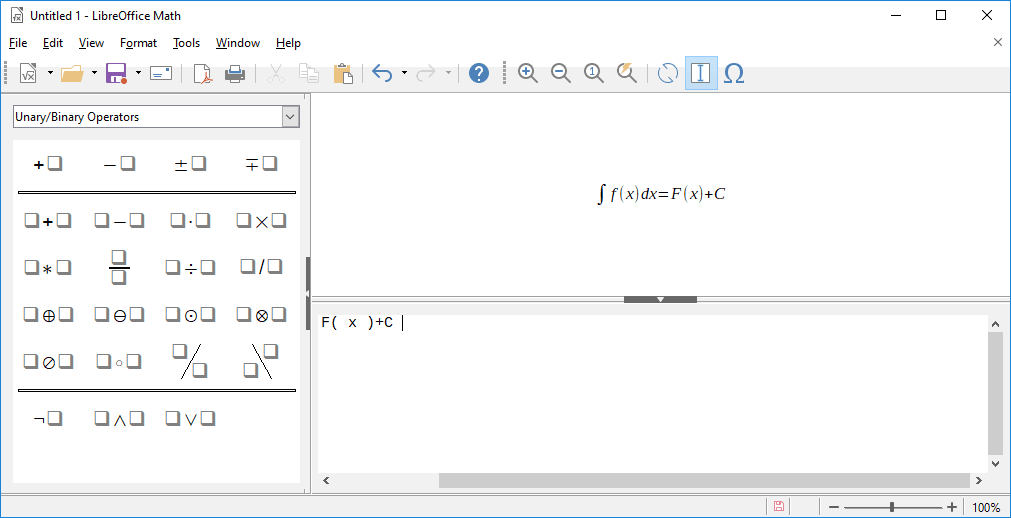
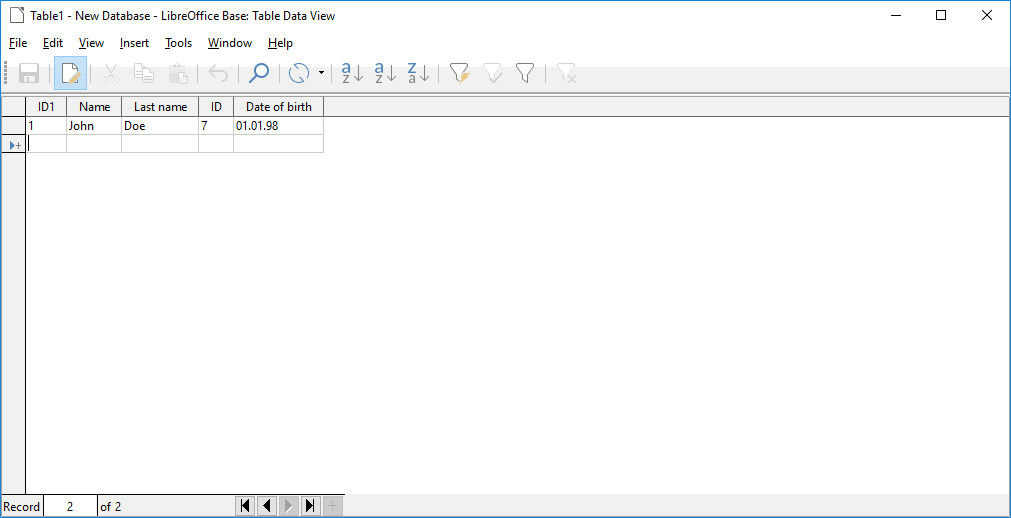
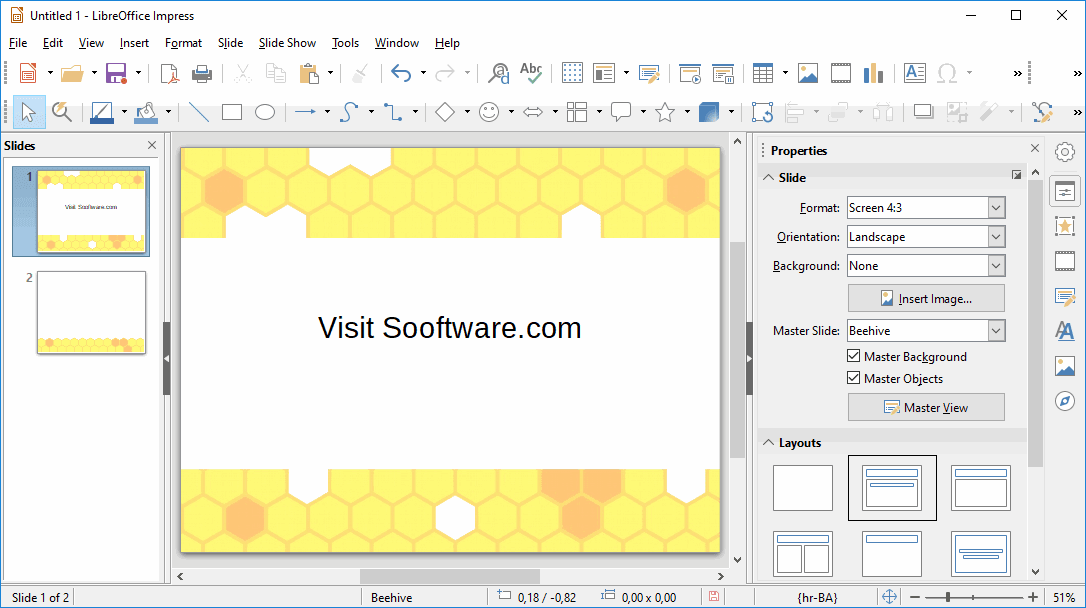
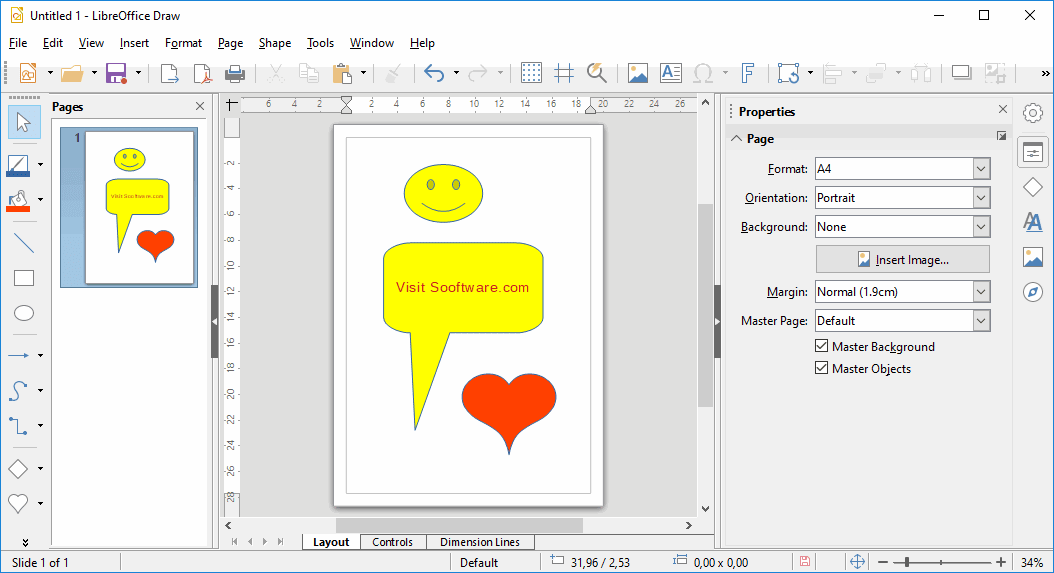
It includes the following programs: Writer, Calc, Impress, Math, Draw, and Base. Writer is an excellent Microsoft Word alternative, while Calc handles your spreadsheets. Impress is a presentation and slideshow manager. Draw can be used to create all sorts of cards and pamphlets, whereas Base is a database management tool.
LibreOffice Math is a great tool for creating math equations but it's somewhat difficult to get the hang of. The Writer program includes the same option for adding equations, making LibreOffice quite a comprehensive solution for editing technical documents.Navigating the workspace
The user interface should be familiar to people who are used to Microsoft Office, but you can also find plenty of unique design ideas. It's easy to get started with and you should easily find everything you need.
By default, the menu bar relies on traditional dropdown lists instead of a modern ribbon, which might feel like a letdown if you're used to recent Microsoft Office versions - though an optional tabbed interface is available in the view settings. Updates are quite frequent, consistently bringing actual changes that improve the overall experience.