LibreOffice on Mac is a free, open-source office productivity suite that has built a massive user base over the years. This is largely because it is one of the most capable alternatives to Microsoft Office available today. Its no-cost nature eliminates financial barriers, making it an excellent choice for users looking for word processors, spreadsheets, presentations, and more.
For students, freelancers, and anyone who prefers not to pay for software subscriptions, LibreOffice is a highly practical option that covers all the essential bases.
A full suite of productivity tools
LibreOffice is a complete productivity suite that includes the following core applications:
- Writer (Word processor)
- Calc (Spreadsheets)
- Draw (Vector graphics and diagrams)
- Base (Database management)
- Math (Formula editor)
- Impress (Presentations)
This suite ensures there is a dedicated application for almost any productivity task. The most used apps are Writer and Calc, serving as highly capable, full-featured alternatives to premium options.
User interface and workflow
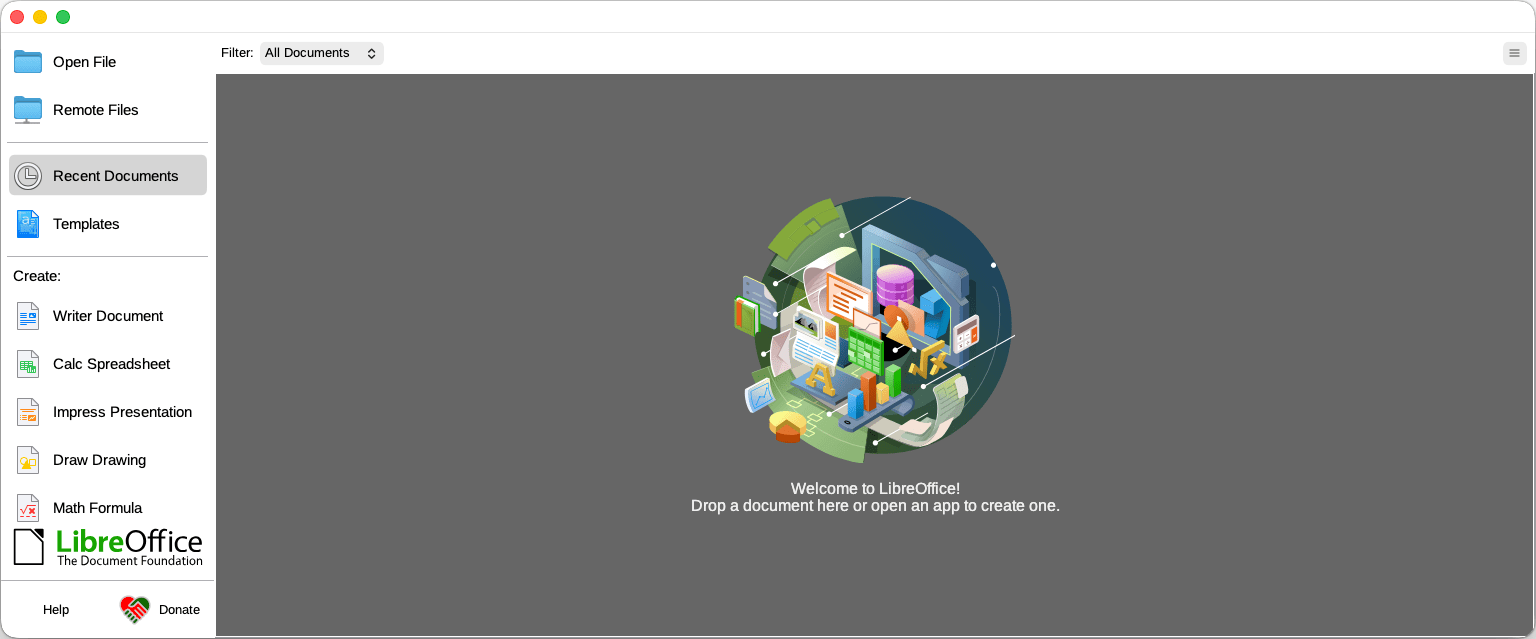
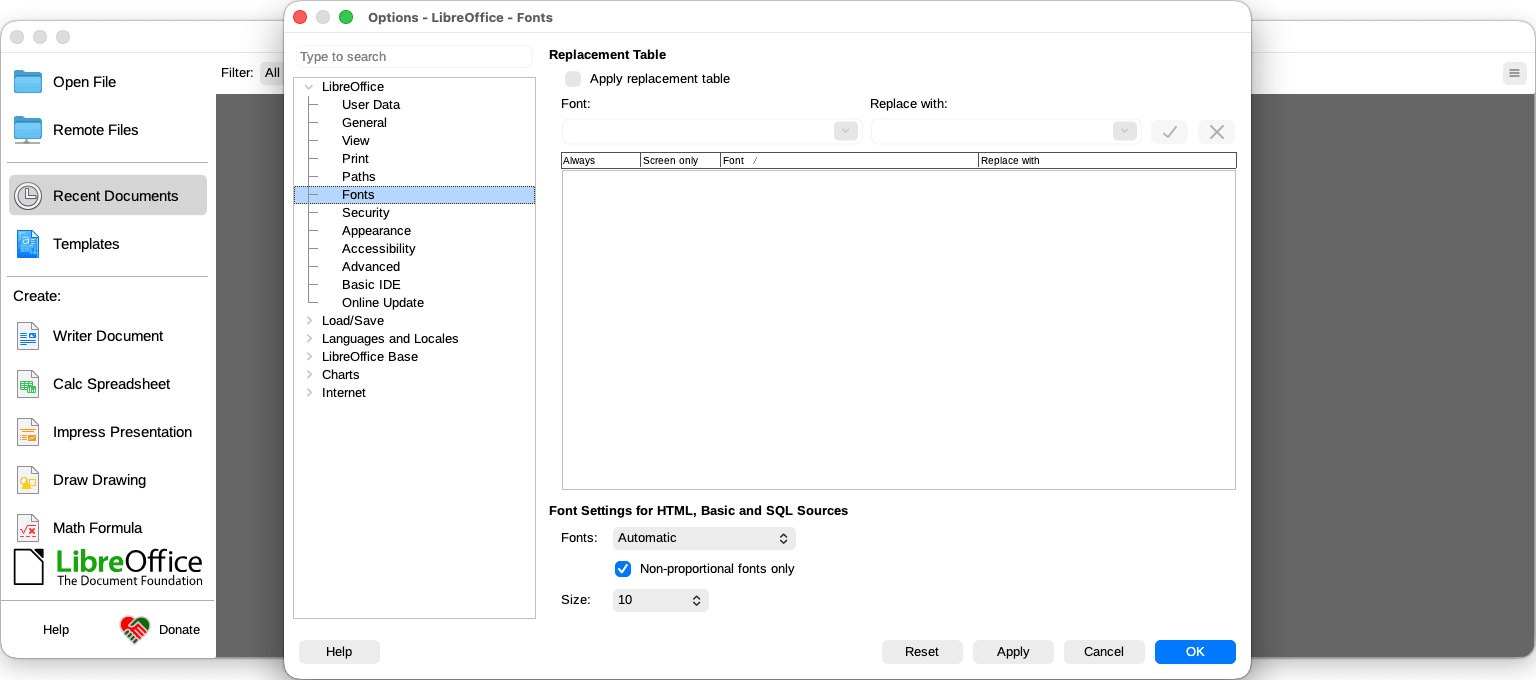
The user interface does feel slightly dated, but its reliable functionality more than makes up for it. While other modern office suites may offer sleeker aesthetics, LibreOffice provides a centralized "Start Center" launcher that allows you to open recent documents or launch specific apps from one unified screen.
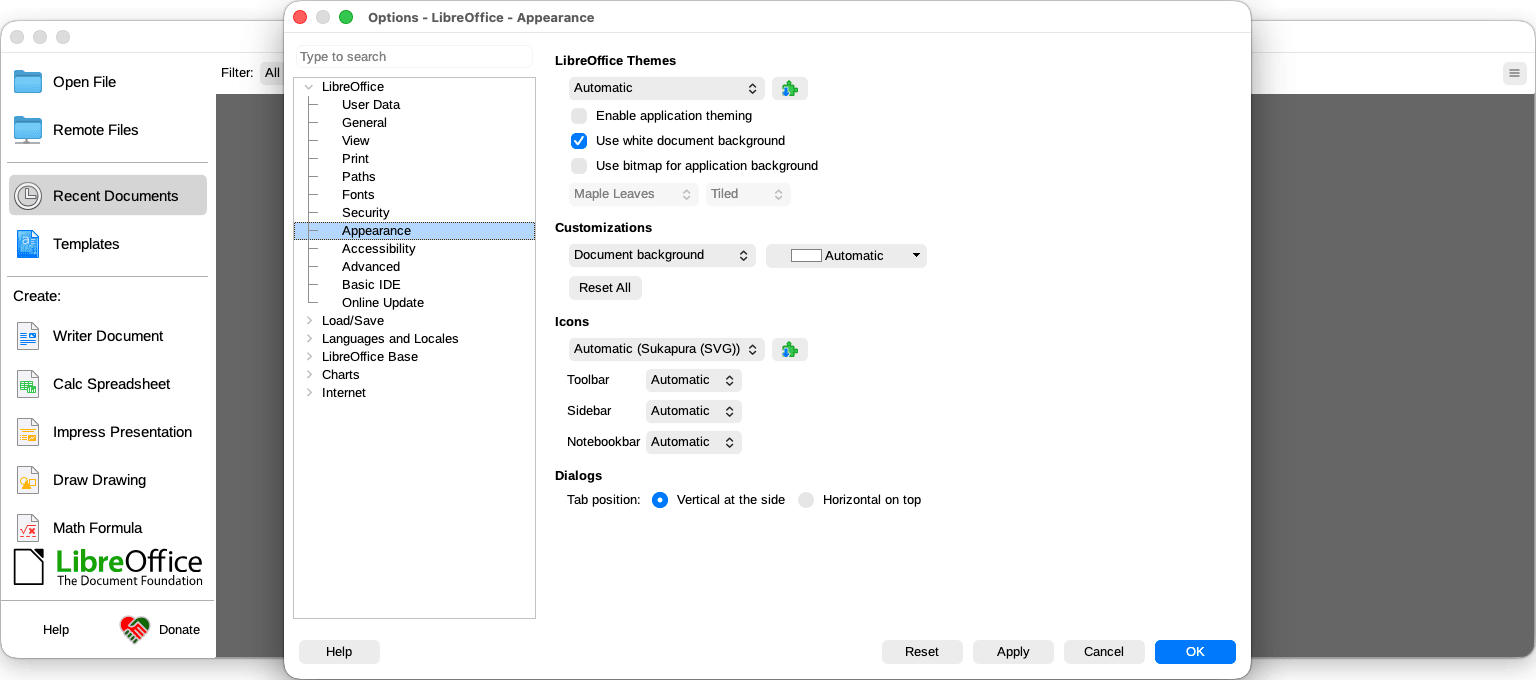
The interface itself is highly customizable, with multiple toolbar styles, including an optional tabbed ribbon layout that will feel more familiar to users coming from other office suites.
Extensions, templates, and customization
LibreOffice has a wide range of community-built extensions and templates. Because it is open-source, developers regularly expand its core functionality. The official extension repository features hundreds of add-ons, including bibliography managers, additional chart types, and language tools. Macros are also supported through LibreOffice Basic and even Python, giving power users a reasonable degree of automation capability.
File compatibility
One of the most important practical considerations for any office suite is how well it handles Microsoft Office file formats. LibreOffice defaults to the OpenDocument Format (ODF), but it does an excellent job handling proprietary formats. You can open, edit, and save .docx, .xlsx, and .pptx files natively. However, it is worth noting that complex Word or PowerPoint files with intricate formatting or embedded VBA macros may experience rendering inconsistencies.
A remarkable free suite that punches well above its price
LibreOffice is a free office suite that is genuinely impressive in its scope and capability. While it lacks native cloud integration and the highly polished aesthetics of commercial counterparts, it provides a reliable, functional, and entirely free alternative to premium office suites.